Instagram Recipes
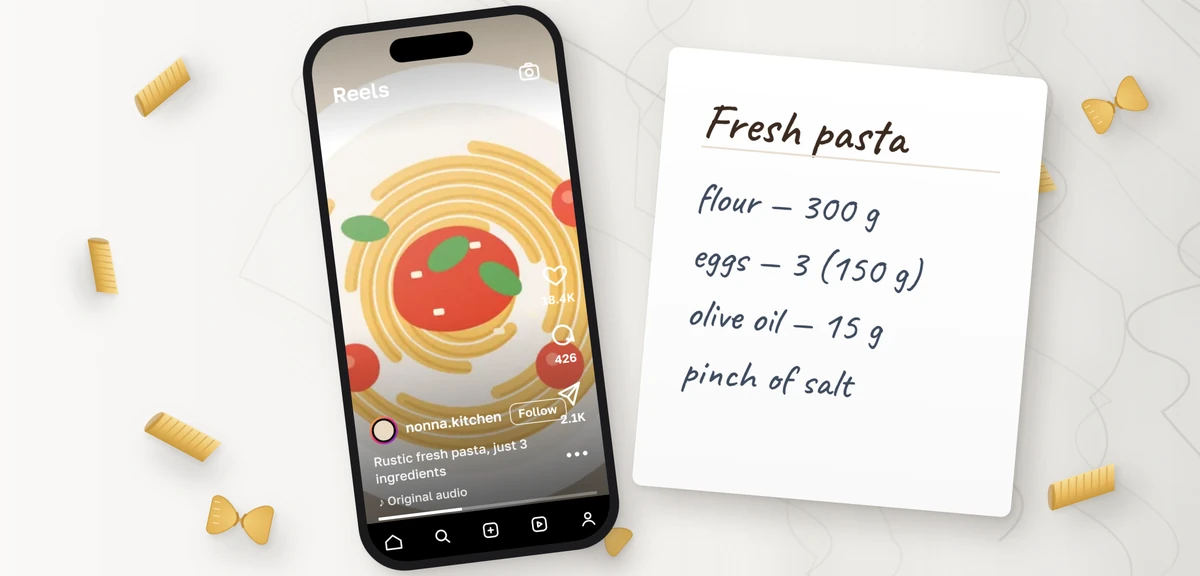
How to Save a Recipe from Instagram to iPhone (Reels & Posts)
Updated November 2026 · 4 min read
Quick answer
Copy any Instagram Reel or post link → open Lupita → paste it in the import field. You get a full recipe card with ingredients in grams in under a minute. Or use the iOS Share Sheet: tap Share inside Instagram and choose Lupita — no copy-paste needed.
Why Instagram's native Save isn't enough
Instagram lets you bookmark any Reel or post to a "Saved" collection. It feels like saving a recipe — but four problems surface the moment you actually want to cook:
- Content disappears. If the creator deletes their account or switches it to private, your saved link goes dead. No recipe, no warning, no way to recover it.
- No ingredients in grams. You have to scrub through the video or read the caption hunting for quantities — often stated in cups, handfuls, or just "some."
- Can't search or filter. Instagram Saved has no search, no categories beyond custom collections, no way to find "all pasta recipes I saved last month."
- Requires internet and the app. Cooking from an Instagram Reel means keeping Instagram open on your counter, fighting autoplay, and staying online the whole time.
Lupita fixes all four: it extracts the recipe from the video itself, converts everything to grams, stores it offline in your library, and makes it searchable by ingredient or dish name.
Method 1 — iOS Share Sheet (fastest)
Works for any public Instagram Reel or feed post. Three taps, no copy-paste.
1 Open the Reel or post on Instagram
Find the cooking video or photo post you want to save. The account must be public — private accounts are blocked by Instagram at the platform level.
2 Tap the Share icon → choose Lupita
Tap the paper-plane icon on a Reel, or the three-dot menu → Share on a post. In the iOS share sheet, scroll the app row and tap Lupita. If Lupita isn't visible, tap "More" and toggle it on.
3 Lupita processes and saves
Lupita analyzes the video audio and caption, extracts ingredients and steps, and saves a structured recipe card to your library. A typical Reel takes 20–45 seconds.
Method 2 — Paste the link
Use this if the Share Sheet method doesn't work, or if someone sent you an Instagram link via iMessage or WhatsApp.
- In Instagram, tap the three dots on the Reel or post → Copy Link. Or copy the URL directly from a browser.
- Open Lupita and tap the + Import button.
- Paste the Instagram URL into the import field and tap Import.
- Lupita fetches the video or post, extracts the recipe, and adds it to your library.
Tip: Method 2 works even without the Instagram app — paste any public Instagram URL and Lupita handles the rest. Useful for recipes shared over email or in a browser tab.
What you get in Lupita
Once extraction finishes, your recipe card contains everything you need to actually cook:
- Ingredients in grams — extracted from the video audio and caption; cups and oz converted automatically using real density values
- Step-by-step instructions — numbered, clean text, stripped of hashtags and @mentions
- Thumbnail from the video — the best cooking frame Lupita finds, cropped to 16:9
- Link to the original — Lupita always stores the source URL so you can credit the creator
- Offline access — the recipe lives in your local library; no internet required while cooking
Instagram Save vs Lupita
| Feature | Instagram Saved | Lupita |
|---|
| Survives account deletion | No | Yes |
| Ingredients in grams | No | Yes |
| Searchable by ingredient | No | Yes |
| Works offline | No | Yes |
| Structured recipe card | No | Yes |
Tips & troubleshooting
Public accounts only. Lupita cannot access private Instagram accounts — this is an Instagram platform restriction. If you get an error, check that the account is public before trying again.
- Reel with no spoken recipe: Some Reels use background music with no narration. Lupita reads the caption in those cases — if the caption contains the recipe, extraction works fine. If the caption is just hashtags, the result may be incomplete.
- Static photo posts: Lupita supports feed photos too. If the recipe is in the caption text, Method 2 (paste link) is more reliable than the Share Sheet for static posts.
- Extraction failed? Switch to Method 2 — pasting the URL directly sometimes succeeds when the Share Sheet can't hand over the full video context.
- Quantities in cups only? Lupita converts them to grams using standard density values. Tap any ingredient line to adjust if the conversion doesn't match your brand.
FAQ
- Does Lupita work for Instagram Stories?
- No. Instagram Stories expire after 24 hours and have no public shareable link. Lupita works with Reels and regular feed posts (photos and videos) on public accounts only.
- Can I save Instagram recipes without installing Lupita?
- No — Lupita is an iPhone app. You need it installed to use the iOS Share Sheet or the paste import feature. You get 10 free imports when you sign up, no subscription required to start.
- Does Lupita keep the Instagram video on my phone?
- No. Lupita downloads the video temporarily to extract frames and audio for recipe detection, then deletes the file. Only the recipe card — text and thumbnail — is saved to your library.
- What if the creator deletes their account after I saved the recipe?
- Your recipe card is safe. Lupita stores the extracted recipe text and thumbnail locally on your device. The original Instagram link in the card will stop working, but the recipe itself stays intact.
- Can Lupita handle recipes posted in Spanish or other languages?
- Yes. Lupita detects the language from the video audio and caption, and returns the recipe card in that language. A Spanish-language Reel gives you a Spanish recipe card.
Sources: Instagram Help Center (2026). Lupita extraction tested on public cooking Reels and feed posts.
 Lupita